
How it works
A discount or gift code from Paliva — what it is and how to use it
Now and then Paliva gives a discount code — for a song, a poem or a personal intro. Here is what it gives, how long it is valid and how to use it in the order form, step by step.
Published · 2 min read
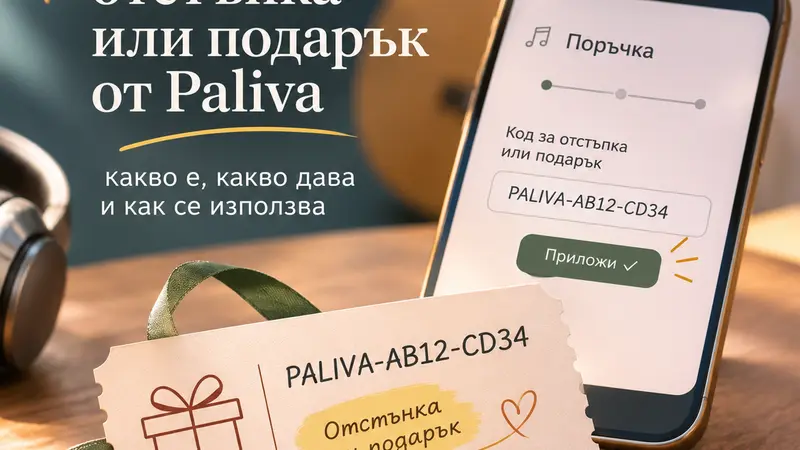
We send a discount code on different occasions — as a thank-you, in a game or campaign, as a personal gift or for someone close to you. It looks like this: PALIVA-AB12-CD34. With it your order costs less — or nothing at all, if the code is a “Gift”.
Why we give them
- As a thank-you — to clients who have already trusted us
- In games and campaigns — for example a prize for a winner, or a code inside a link / QR code
- As a gift — a code can cover the whole order and make it a gift from Paliva
- Just for you — some codes work only with your email address
What a code gives
Every code has its own rules, which we write in the email:
- How much it takes off — a percentage (e.g. 15%) or an amount in euros, or “Gift” for the whole price
- What it is valid for — a song, a poem or a personal intro (sometimes only for a certain occasion)
- Until when — after that date the code is not accepted
- How many times — most codes are for one order
How to use it
- Open the order form and choose what you would like
- In “Discount or gift code” paste the code (in the email one tap selects it) and press “Apply”
- The form tells you whether the code applies and shows the new price — then send the order as usual
- If you have a link with the code or a QR code, open it — the code fills itself in
Good to know
- One discount at a time — when the site also has a promotion, the larger one applies. Some codes are marked “works with the promotion” — then the promotion is applied first and the code on the new price.
- Express orders are not discounted — the express fee stays.
- A personal code works only with the email address it was made for. If you have a profile on the site, your personal codes are in “Profile” → “Orders” → “My codes” and apply with one click.
- If a code is not accepted, check that it is typed exactly (capital letters, dashes), that it has not expired and that it is for this kind of order. If in doubt, write to us and we will check it.
Have a code and not sure how to use it? Write to us — we will help. 💛
Frequently asked questions
Where do I enter the code?
In the order form, in “Discount or gift code”, then press “Apply”. If you have a link or a QR code, the code fills itself in.
Can I use a code twice?
Most codes are for one order; the email with the code says how many times it works.
Can a code be combined with a promotion?
Usually the larger discount applies. Only codes marked “works with the promotion” apply after the promotion.
What is a “Gift”?
A code that covers the whole order — the song or poem is a gift from Paliva.
My code does not work.
Check how it is written, until when it is valid and what it is for. If it still does not go through, write to us and we will check it.
More articles
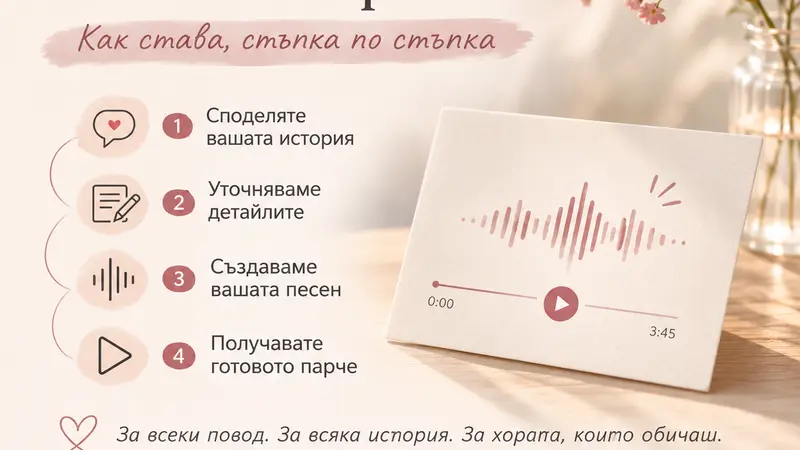
How it works · 2 min read
A custom song — how it works, step by step
From one sentence to a finished song: what you tell us, what you choose, when you pay and what you receive. Everything worth knowing before you order.
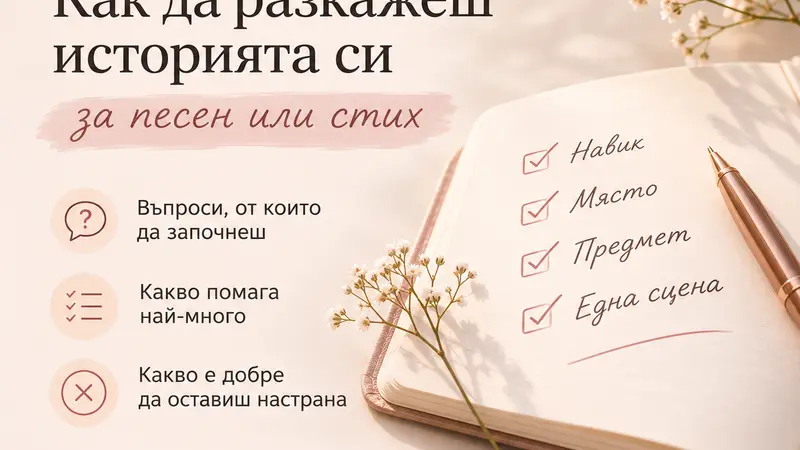
How it works · 2 min read
How to tell your story for a song or poem — what to write in the form
You don't need a talent for writing — you need three or four real details. What to write about the person, which memories work in a song, what to leave out, and questions to start from.
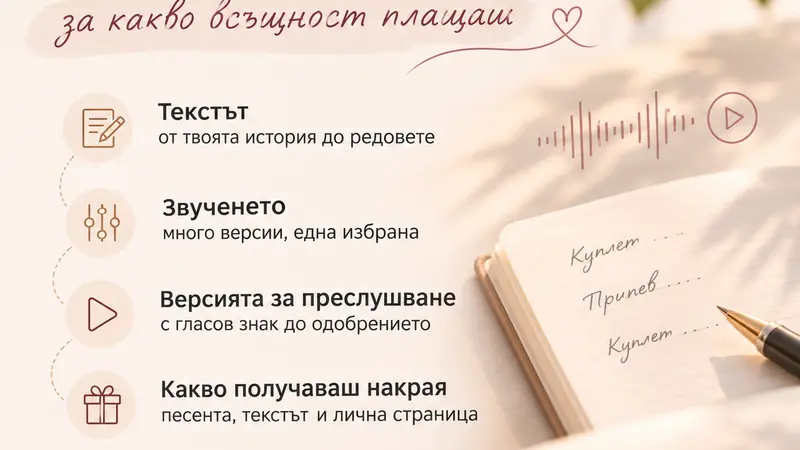
How it works · 2 min read
What goes into a custom song — what you're really paying for
AI makes a version in a minute. The song you receive takes hours: words from your story, many versions, the right pronunciation and a natural voice. Here's where the work goes.